
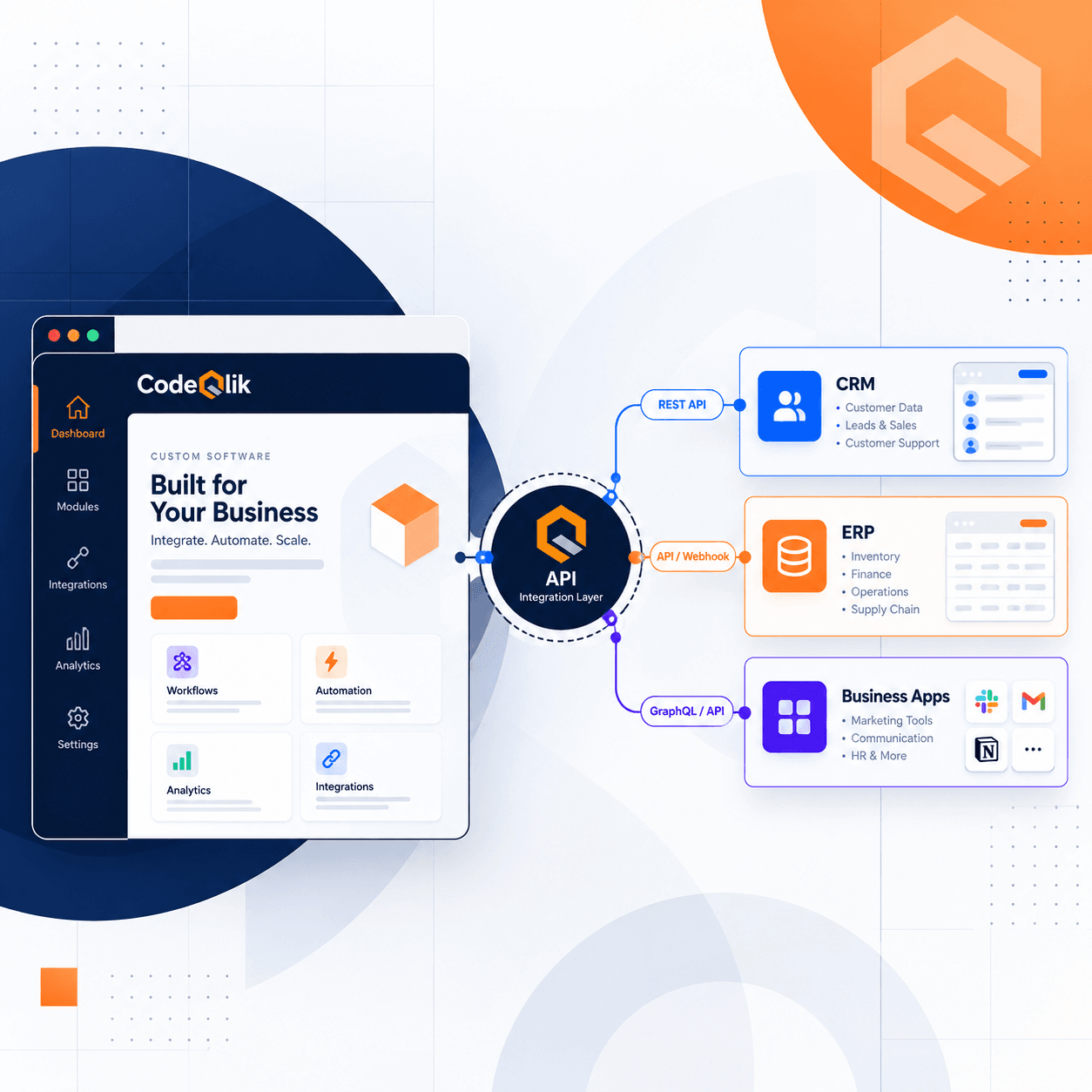
What "Integration" Really Requires
Integration just means data and actions can move between systems reliably — no duplicate records, nothing breaking every time one app pushes an update, no one stuck re-typing the same info twice. To pull that off, you generally need a few things in place:
- A defined data contract — what fields, formats, and objects are exchanged
- An authentication and authorization model — how each system verifies and trusts the other
- A sync strategy — real-time, scheduled batch, or event-triggered
- Error handling and retry logic — because networks and APIs fail, and your integration has to survive that
- Monitoring and logging — so failures are caught before they become a business problem, not after
Think of it like plumbing a new room onto an existing house. You can't just cut a hole in the wall and hope the pipes line up — you need to know the existing water pressure, pipe diameter, and shutoff points before you connect anything.
Integration Approaches: Picking the Right Pattern
1. Direct API Integration
This is the approach most teams reach for first: your custom software talks straight to the existing application's REST, GraphQL, or SOAP API. It makes sense when you're only dealing with one or two systems and you want close, specific control over exactly what gets exchanged.
Best practices:
- Use the vendor's official, documented API rather than reverse-engineered endpoints
- Authenticate with OAuth 2.0 or scoped API keys, never shared admin credentials
- Version-lock your integration against a specific API version where possible
- Build idempotent write operations, so retries don't create duplicate records
2. Middleware and iPaaS Platforms
Tools like MuleSoft, Boomi, or Workato — often called Integration Platform as a Service, or iPaaS — sit in between your custom software and the rest of your stack. They handle the messy parts (transforming data, routing it, catching errors) so you're not rewriting that logic for every connection. If your custom app needs to talk to several existing systems, this is usually the smarter route, because the mapping only has to be built once instead of five separate times.
3. Event-Driven Architecture (Webhooks and Message Queues)
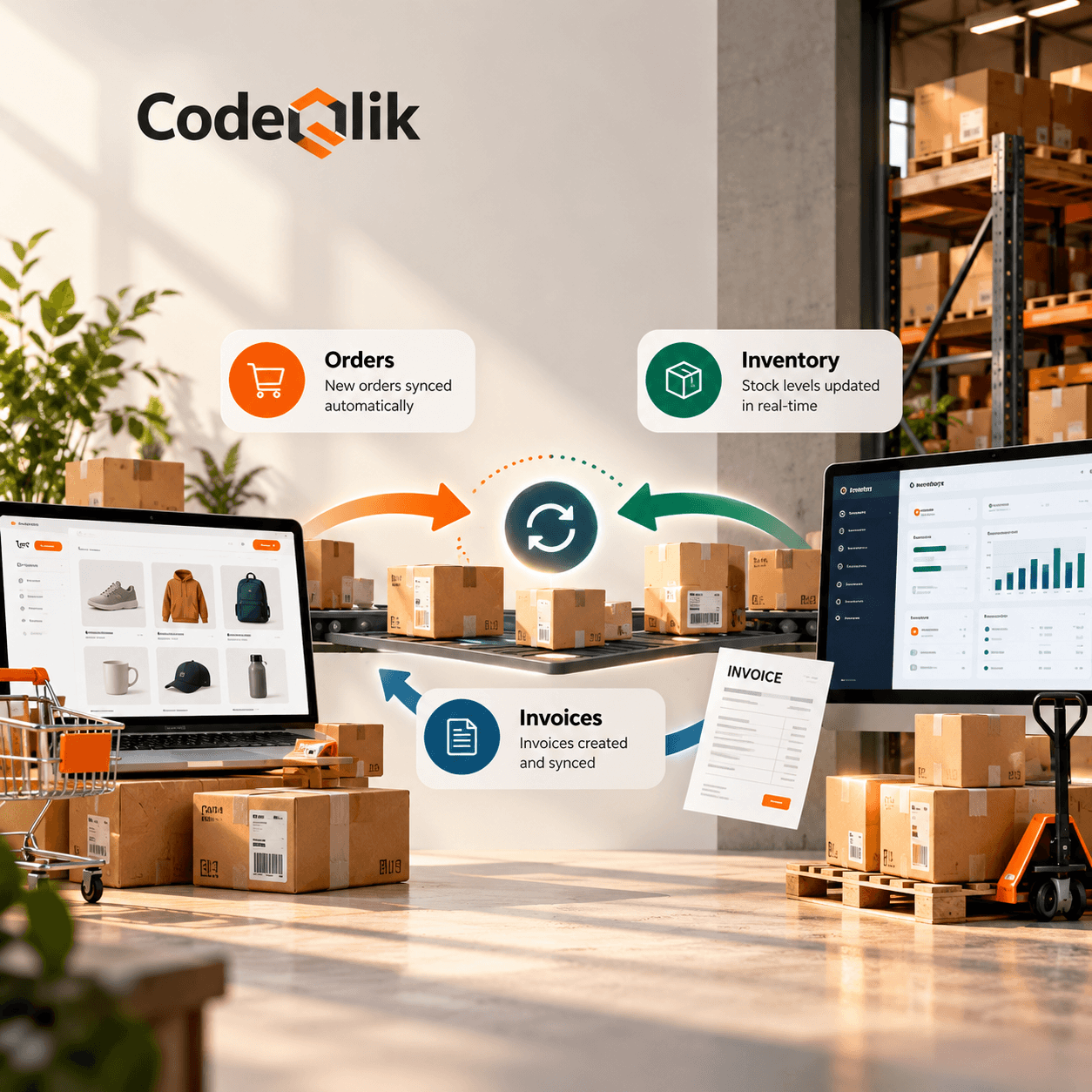
Rather than your app constantly asking "anything new yet?", the existing system just tells it when something changes — through a webhook, or a message dropped into a queue like Kafka or RabbitMQ. Fewer wasted API calls, and the data stays closer to real time, which is exactly what you want for things like inventory counts or order status.
4. Database-Level Integration (Use With Caution)
Occasionally, teams are tempted to integrate by reading or writing directly to another application's underlying database. This should generally be avoided — it bypasses the source application's business logic and validation rules, and it breaks the moment the vendor changes their schema during an update. API-based integration exists specifically to prevent this kind of fragility.
Data Mapping and Synchronization Strategy
Picking the architecture is the easy part, honestly. The harder part is making sure "customer" means the same thing in both systems.
- Field mapping. Your custom app might call it a "Customer." The CRM calls it an "Account." The ERP calls it a "Business Partner." Write all of this down before anyone touches code, not after something breaks.
- Data type and format alignment. Dates and currencies rarely match cleanly across systems — one might use ISO 8601, another a regional date format — so you'll need transformation logic that catches this consistently.
- Sync frequency. Real-time sync suits customer-facing or transactional data; scheduled batch sync is often sufficient — and cheaper — for reporting or analytics data that doesn't need second-by-second accuracy.
- Conflict resolution rules. Define which system is the source of truth for each data type, so that if the same record is edited in two places, there's a clear rule for which version wins.
This is the same underlying discipline as master data management in ERP systems — a single, agreed definition of each entity, enforced consistently across every connected application.
Security and Governance Considerations
- Least-privilege access. Grant the custom software only the specific data and actions it needs from each existing application, not broad administrative access.
- Encrypted data in transit and at rest. Non-negotiable for any integration touching customer, financial, or employee data.
- Audit logging. Every integration call — especially writes — should be logged with enough detail to trace what changed, when, and why.
- Change management for API updates. Existing business applications get updated on their own schedule. Monitor vendor release notes and maintain a staging environment to catch breaking API changes before they hit production.
- Data governance ownership. Assign clear ownership for who approves new integration points, so custom software doesn't end up with a dozen undocumented connections that nobody remembers building.
Step-by-Step: Building the Integration
- Document existing systems and their APIs. Confirm what each application exposes, its rate limits, and its authentication requirements.
- Define the data contract. Map fields, formats, and the source of truth for each data type across systems.
- Choose the integration pattern. Direct API, middleware, or event-driven — based on how many systems are involved and how real-time the data needs to be.
- Build with error handling first. Design retry logic, dead-letter queues, and failure alerts before building the "happy path" logic.
- Test with realistic data volumes. Sandbox testing with ten records rarely reveals the rate-limit and performance issues that show up at production scale.
- Deploy incrementally. Start with one data object or one business process, validate it in production, then expand scope.
- Monitor and iterate. Set up dashboards for sync failures, latency, and data mismatches, and review them on a regular cadence.
Common Pitfalls
- Treating integration as an afterthought. Bolting on integration logic after the custom software is already built often means retrofitting authentication and data models that weren't designed to be shared.
- No retry or failure strategy. APIs go down. Networks time out. Without retry logic and alerting, failed syncs go unnoticed until someone asks why the data looks wrong.
- Hardcoding credentials or endpoints. This turns routine credential rotation or environment changes (dev to production) into a deployment risk.
- Skipping the data mapping exercise. Assuming fields "obviously" match between systems is one of the most common sources of silent, hard-to-detect data corruption.
- No ownership after go-live. Integrations need a named owner for monitoring and maintenance — treating them as "done" after launch is how they quietly break six months later.
Real-World Example: Falkridge Logistics
Falkridge Logistics (a composite, illustrative example) built a custom dispatch-scheduling tool to handle their specific fleet-routing logic, which their off-the-shelf ERP couldn't support natively. The challenge: dispatch decisions needed real-time visibility into ERP inventory and CRM customer delivery preferences.
Rather than integrating directly with both systems from within the dispatch tool, Falkridge routed all data exchange through a middleware layer. The ERP and CRM each pushed relevant updates via webhook to the middleware, which transformed and forwarded them to the custom app using a documented data contract. Write-backs (delivery confirmations, status updates) followed the same path in reverse, with full logging at each step.
The result: the custom tool stayed in sync with both systems in near real-time, without either legacy system needing direct knowledge of the new software. When the ERP vendor pushed a major API update the following year, only the middleware layer needed adjustment — the custom application itself was untouched.
Implementation Checklist
Planning
- Document existing applications, their APIs, and rate limits
- Define the data contract and field mappings across systems
- Choose integration architecture (direct API, middleware, or event-driven)
Build
- Implement least-privilege, scoped authentication
- Build retry logic, error handling, and failure alerting first
- Set clear source-of-truth and conflict-resolution rules per data type
Rollout
- Test with production-scale data volumes in a sandbox
- Deploy incrementally, starting with one process or object
- Set up monitoring dashboards for sync health and latency
Ongoing operations
- Assign a named owner for integration monitoring and maintenance
- Track vendor API changes and maintain a staging environment
- Review audit logs and failure rates on a regular cadence
The Bottom Line
Treat integration like its own project, not a task you squeeze in after the custom software is already built. Nail the architecture, agree on the data contract, and put real governance behind it — do that early, and the whole thing keeps working even as both sides of the connection keep changing.
Planning a custom software build that needs to connect with your existing systems? Download our whitepaper on enterprise integration architecture, or contact our team to schedule a no-obligation integration readiness assessment.


Loading comments...