
Healthcare isn't a normal support queue
Ask a retail bot about a late parcel and the worst outcome is a grumpy customer. Ask a clinic bot about a test result and the worst outcome is a lot more serious. That alone changes how you build everything.
Privacy is the other half. Under HIPAA, a patient's name tied to anything about their care is protected health information. So it matters which software sees the message, where it's stored, and who can read it later. Throw in short-staffed front desks and patients who now expect bank-speed replies, and you get teams running flat out just to answer the phone.
AI can help with that. It just can't be bolted on the way you'd add a chat bubble to a shoe store.
The work AI does well
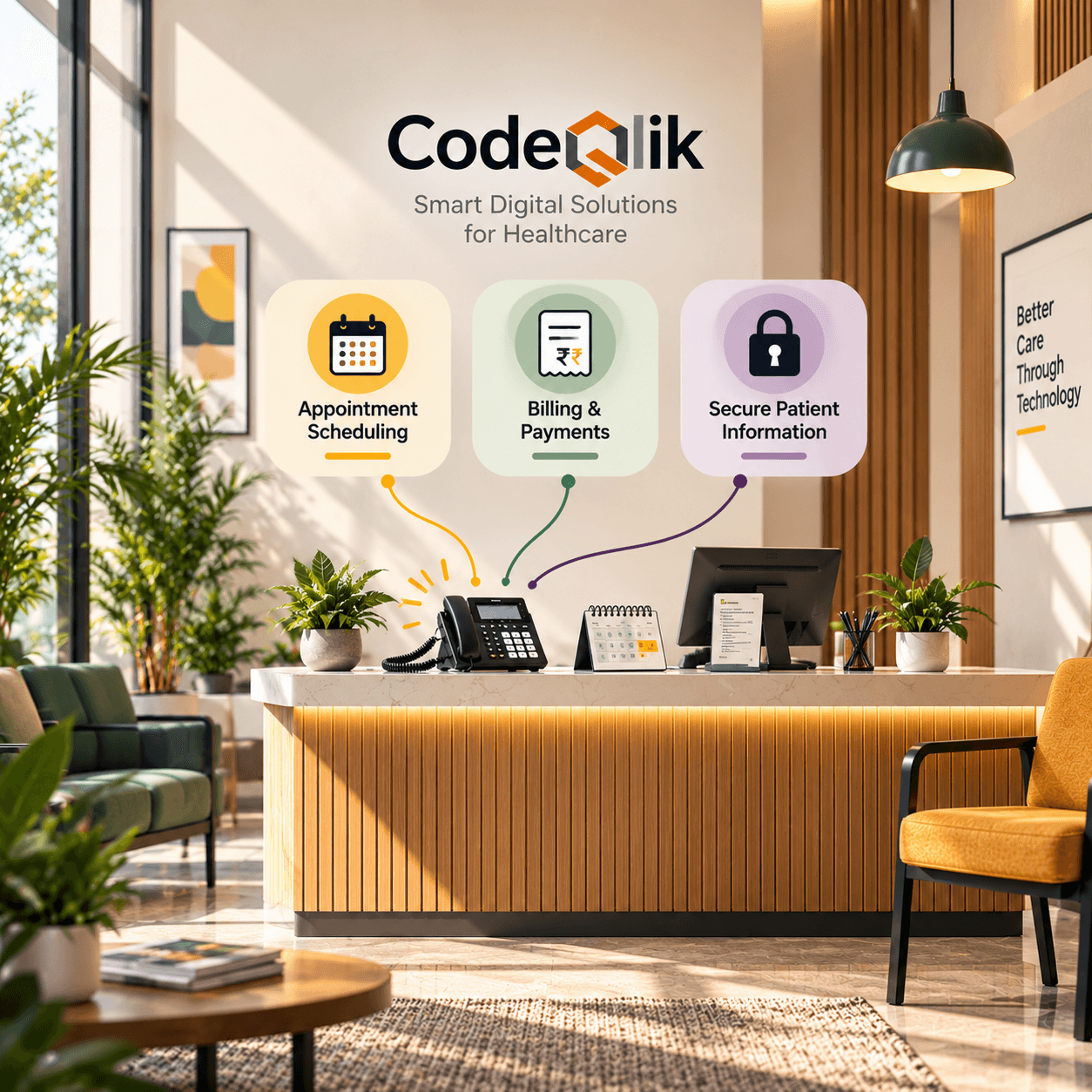
Honestly, it's the dull stuff. Rescheduling is the classic. A virtual assistant offers open slots, confirms the change, sends a text reminder, and nobody has to pick up a phone. Reminders by themselves can trim no-shows, and every empty slot costs a practice money.
Billing is another big pile. "What is this charge?" and "does my plan cover that?" come in all day. Explaining a statement in plain words or checking eligibility doesn't need a trained specialist every time. Refill status, pre-visit forms, and "I can't get into the portal" work the same way. A good chunk of inbound contacts are really just people lost on a website.
Then there's coverage. Nobody can staff a human team around the clock in six languages. An assistant can, and that's a real win for night-shift workers and caregivers who only have time after bedtime.
Not every tool faces the patient, either. Some sit beside staff, summarizing a long chat or surfacing the right policy while someone's on the line. If I were starting from zero, I'd begin there. A person reads everything before it goes out, so the risk stays low.
The work it shouldn't do alone
Admin questions, fine. Clinical ones, no. An assistant shouldn't diagnose, read symptoms, change medication advice, or decide what counts as an emergency by itself. And it shouldn't be the only voice a frightened patient gets when the news is bad or a bill has gone badly wrong. Those people need a human who'll listen.
My test is simple. Could a wrong answer hurt someone's health or wreck their trust? Then a person stays involved. Put a visible "talk to a person" option in every flow. Make certain phrases, say chest pain or thoughts of self-harm, trigger an instant handoff and proper emergency guidance, not a perky scripted line.
Privacy comes before features
Skim everything else if you must. Read this part.
Federal breach reports show hundreds of healthcare data breaches a year, exposing tens of millions of patient records. Regulators notice. Patients do too.
Before any AI tool sees a patient message, get a signed Business Associate Agreement. No signature, no deal. Ask where conversations are stored and for how long, and whether your data trains the vendor's models (it usually shouldn't). Find out how sensitive details are masked, who gets access, and whether an audit trail records what the AI said and when. Badges like SOC 2 Type II help, but they don't replace your own review.
Watch out for tools built for other industries, too. A generic assistant may store chats in ways that aren't HIPAA-friendly out of the box, and "it's great for retail" won't impress an auditor. Have your privacy officer and legal team vet any vendor before the pilot, not afterward.
Plugging it into what you already run
On its own, an assistant knows nothing about your patients. It's a polite FAQ page. To do useful work it needs secure links into scheduling, the patient portal, billing, and sometimes the EHR. That's integration work, and plenty of teams discover the project is half AI, half plumbing.
Keep its access small. Let it read only what a task needs, and write only what it's allowed to, like booking a slot. Never clinical notes. If you can, start read-only and loosen things up once you trust it.
What gets better
Done sensibly, a few things improve quickly. Hold times drop, since routine contacts stop stacking up behind each other. Staff get more time for tricky cases and for patients who need patience, not a script. Answers show up after hours. Billing replies become consistent instead of depending on who picked up. And you finally get data, like what patients ask most, where confusion piles up, and which letters trigger a flood of calls.
Vendors love to quote big percentages for fewer calls or happier patients. I'd take those with a pinch of salt. Results swing wildly with the use case and where you started. Measure your own baseline.
A quick illustration
Imagine a mid-sized multi-specialty clinic (a made-up scenario, not a named client). Mornings are chaos on the phones, and the front desk spends half the day rescheduling and decoding bills. They start small. An assistant handles rescheduling and reminders over text and web chat, and anything about symptoms goes straight to a staff member.
Weeks later, hold times are shorter and repeat calls have dropped. They add billing explanations and eligibility checks, and someone reads transcripts every week to catch clumsy or wrong replies. Only months in do they think about anything bigger. What worked wasn't the tool. It was the order: small scope, human backup, constant checking.
How to roll it out
Choose one small, low-risk job to start, maybe rescheduling or billing FAQs. Get privacy and legal involved on day one, and sort out the BAA and data retention before you build a thing. Decide exactly which topics and frustrated-sounding messages send a patient to a human. Write down the tone as well, warm and plain, no jargon.
Then pilot with a small group, one clinic or one channel. Read real conversations weekly and hunt for wrong answers, dead ends and annoyed patients. Only widen the scope when what you already built is stable and trusted.
Numbers worth watching
Track wait and response times, how many requests get resolved without a human, how often chats escalate and how smoothly the handoff goes, patient satisfaction on AI-handled contacts, no-shows, and billing call volume. And count the awkward one: how often the AI got something wrong or incomplete. That figure tells you more than any success metric.
Where it tends to go wrong
Teams skip the privacy review because the pilot is "tiny." They give the assistant jobs that sound clinical. They bury the human option, so patients loop in circles. They forget to tell staff what's changing, and the front desk feels replaced. And once launch day passes, nobody reads the transcripts anymore.



Loading comments...