

Start With Your Business, Not the Software
One of the biggest mistakes companies make is comparing ERP systems before they fully understand their own requirements.
Instead of asking, "Which ERP is the best?"
Ask yourself:
"What problems are we trying to solve?"
That one question changes everything.
Spend some time talking to the people who use your current systems every day.
Your sales team may be struggling to track customer follow-ups.
Your finance department may spend hours preparing reports.
Your warehouse staff may still be updating inventory manually.
Your management team may not have access to real-time business data.
Every department experiences different challenges, and those challenges should guide your ERP selection—not flashy marketing brochures.
When you identify your pain points first, it becomes much easier to separate useful features from unnecessary ones.
Focus on Problems Instead of Features
Let's be honest.
Most ERP comparison pages look almost identical.
Every product claims to offer AI, automation, dashboards, analytics, CRM, inventory management, HR, accounting, reporting, and dozens of other modules.
But having more features doesn't automatically make an ERP better.
Think about buying a smartphone.
Most people never use half the features their phone offers. Yet they still pay for them.
The same thing happens with ERP software.
Instead of asking,
"How many features does it have?"
Ask,
"Which features will my team actually use every day?"
A simple exercise can help.
Create three lists.
Must-Have Features
These solve your biggest business challenges.
Examples include:
- Inventory Management
- Sales & CRM
- Accounting
- Purchase Management
- GST Compliance
Nice-to-Have Features
Helpful today, but not essential.
Examples:
- Mobile App
- Business Intelligence Dashboards
- Employee Self-Service
- Advanced Workflow Automation
Future Requirements
These may become important as your company grows.
For example:
- Manufacturing Module
- Multi-Branch Management
- Multi-Currency Support
- International Taxation
This approach helps you avoid paying for features you'll probably never touch.
Think About Where Your Business Will Be in Five Years
ERP isn't something you replace every year.
Most businesses use the same ERP platform for five to ten years, sometimes even longer.
That's why it's important to think beyond your current situation.
Maybe today you have:
- One office
- Twenty employees
- A single warehouse
But what happens if your business doubles?
Will the software still support you?
Can it handle multiple branches?
Can you add more users without changing the entire system?
Can it support new product categories?
Can it manage multiple companies under one account?
Choosing software that can grow alongside your business saves both money and headaches in the future.
Ease of Use Matters More Than Most People Realize
A powerful ERP is useless if employees avoid using it.
This happens more often than you'd think.
Some systems are packed with features but feel so complicated that teams end up returning to Excel sheets after a few months.
During an ERP demo, don't just watch what the salesperson shows you.
Imagine one of your employees sitting in front of that screen.
Would they feel comfortable using it every day?
Can common tasks be completed in a few clicks?
Is the dashboard clean and organized?
Does the software feel modern?
Good ERP software should reduce work—not create more of it.
A simple interface often leads to faster adoption, fewer mistakes, and happier employees.
Your ERP Should Work With the Software You Already Use
Very few businesses start from scratch.
Most already use tools like:
- Microsoft Excel
- Tally
- Shopify
- WooCommerce
- Payment Gateways
- Shipping Platforms
- Payroll Software
- CRM Applications
Your ERP shouldn't force you to abandon everything overnight.
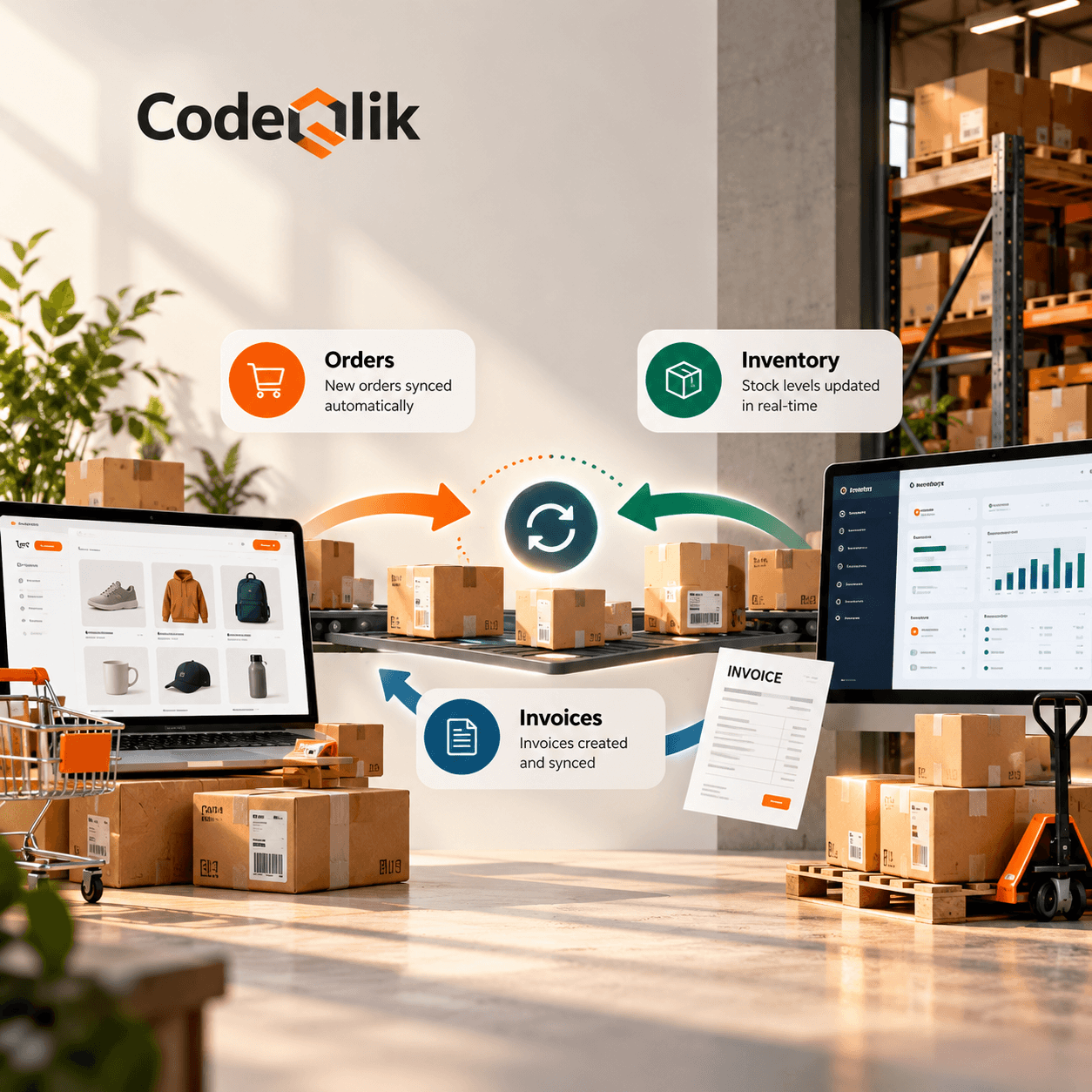
Instead, it should connect smoothly with the tools that are already part of your daily operations.
The fewer times your team has to enter the same data manually, the more productive they'll become.
Good integrations don't just save time.
They also reduce human error.
Cloud ERP vs On-Premise ERP: Which One Makes More Sense?
This question comes up in almost every ERP discussion.
Years ago, businesses mostly preferred on-premise ERP systems because they wanted complete control over their servers.
Things have changed.
Today, cloud ERP has become the preferred choice for many growing businesses because it offers flexibility that traditional systems simply can't match.
With cloud ERP, your team can access the system from the office, home, or while traveling.
Updates happen automatically.
There's no need to maintain expensive servers.
Most importantly, your business can scale much faster.
That doesn't mean on-premise ERP is outdated.
Companies with strict security requirements, large IT departments, or government regulations may still prefer managing everything internally.
Neither option is universally better.
The right choice depends on how your business operates today—and how you expect it to evolve tomorrow.
Choose an ERP That Understands Your Industry
No two businesses work the same way.
A garment manufacturer doesn't operate like a retail store. A pharmaceutical company has very different requirements than a construction business. Even two companies in the same industry may have completely different workflows.
That's why choosing a generic ERP can sometimes create more problems than it solves.
Instead, look for software that already supports businesses like yours.
For example:
- A manufacturing company may need Bill of Materials (BOM), production planning, and quality control.
- A wholesale distributor will care more about batch tracking, warehouse management, and purchase planning.
- A retail business may prioritize POS integration, barcode scanning, and inventory synchronization.
- A service-based company may focus on project management, CRM, invoicing, and employee timesheets.
The closer an ERP matches your day-to-day operations, the less customization you'll need later.
Don't Ignore Customer Support
Here's something many buyers realize only after purchasing an ERP.
Buying the software is actually the easy part.
The real journey begins during implementation.
There will be questions.
Someone will forget how to create reports.
A workflow might need adjustment.
Your team may require additional training.
And occasionally, something simply won't work as expected.
When that happens, the quality of customer support becomes more valuable than any fancy feature.
Before making your final decision, ask the vendor questions like:
- What's your average response time?
- Will we get a dedicated implementation manager?
- Is employee training included?
- How do you handle software updates?
- Is support available over phone, email, or WhatsApp?
- What happens after the first year?
A reliable ERP partner doesn't disappear once the invoice is paid.
Look Beyond the Price Tag
Everyone compares ERP pricing.
Very few compare the actual cost of ownership.
An ERP that looks affordable today can become surprisingly expensive after implementation.
Besides the software subscription, you may also pay for:
- Data migration
- User training
- Custom development
- Third-party integrations
- Annual support
- Server hosting (if applicable)
- Future upgrades
That's why it's always a good idea to request a detailed quotation instead of looking only at the monthly or yearly subscription fee.
Sometimes paying a little more upfront saves thousands in hidden costs later.
Never Skip the Product Demo
Product brochures look impressive.
Websites look polished.
Marketing videos are designed to sell.
But none of them show how the software actually fits your business.
A live demo tells a completely different story.
Instead of watching a standard presentation, ask the vendor to demonstrate tasks your employees perform every day.
For example:
- Creating a sales quotation
- Converting quotations into invoices
- Managing purchase orders
- Checking inventory levels
- Recording payments
- Generating GST reports
- Tracking customer orders
The closer the demo matches your real workflow, the easier it becomes to judge whether the ERP is truly suitable.
Read Reviews, But Read Them Carefully
Almost every software has five-star reviews.
That doesn't mean every review tells the complete story.
Instead of focusing only on ratings, pay attention to recurring feedback.
Ask yourself:
- Do customers mention slow support?
- Are implementation delays common?
- Is the software easy to learn?
- Are updates improving the product?
- Are users staying with the ERP for years?
When multiple businesses mention the same strengths—or the same weaknesses—there's usually some truth behind it.
Real customer experiences often reveal details that sales presentations leave out.
Security Should Be Part of Your Decision
An ERP stores almost everything about your business.
Customer information.
Financial records.
Employee details.
Supplier data.
Purchase history.
Inventory.
Losing this information—or allowing unauthorized access—can have serious consequences.
When evaluating ERP software, check whether it offers:
- Role-based user permissions
- Data encryption
- Automatic backups
- Two-factor authentication
- Activity logs
- Secure cloud infrastructure
Good security shouldn't be treated as an optional feature.
It should be considered a basic requirement.
Common Mistakes Businesses Make While Choosing ERP
Even experienced business owners sometimes rush into ERP decisions.
Here are a few mistakes worth avoiding.
Buying Based Only on Price
The cheapest option isn't always the smartest investment.
Ignoring Employee Feedback
Your team will use the software every day.
Their opinion matters.
Expecting Instant Results
ERP implementation takes time.
Plan for gradual improvement rather than overnight transformation.
Choosing Too Many Modules
Start with what you actually need.
You can always expand later.
Not Planning for Growth
Think about where your business will be three to five years from now—not just where it is today.
Avoiding these common mistakes significantly improves the chances of a successful ERP implementation.
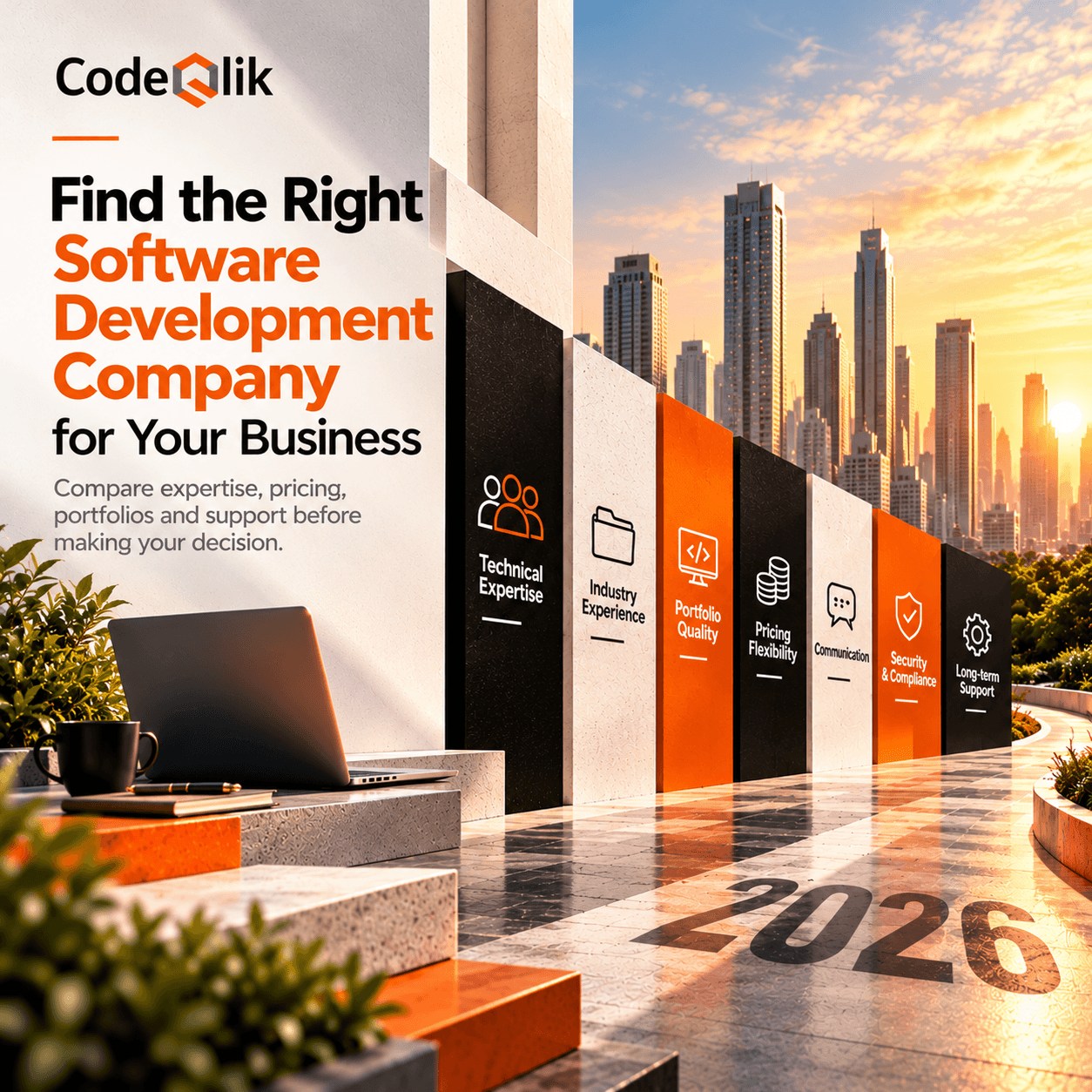
A Simple ERP Selection Checklist
Before signing any agreement, make sure you can confidently answer "Yes" to these questions.
• Does this ERP solve our biggest business challenges?
• Is the interface easy for employees to use?
• Can it scale as our business grows?
• Does it integrate with our existing software?
• Is the pricing transparent?
• Does the vendor provide reliable customer support?
• Are security features included?
• Have we tested the software through a live demo?
If you hesitate on several of these questions, keep exploring other options.
ERP is a long-term investment, so it's worth taking the time to choose wisely.
Final Thoughts
Choosing an ERP isn't about finding the software with the longest feature list or the biggest brand name.
It's about finding a solution that makes your team's work easier every single day.
The right ERP brings departments together, reduces manual work, improves visibility across the business, and gives decision-makers access to accurate, real-time information.
Take your time.
Talk to your employees.
Compare vendors.
Request demonstrations.
Ask difficult questions.
Most importantly, don't buy software simply because another company uses it.
Buy the one that genuinely fits the way your business works.
A well-chosen ERP won't just improve efficiency—it can become the foundation for your company's next stage of growth.

Loading comments...